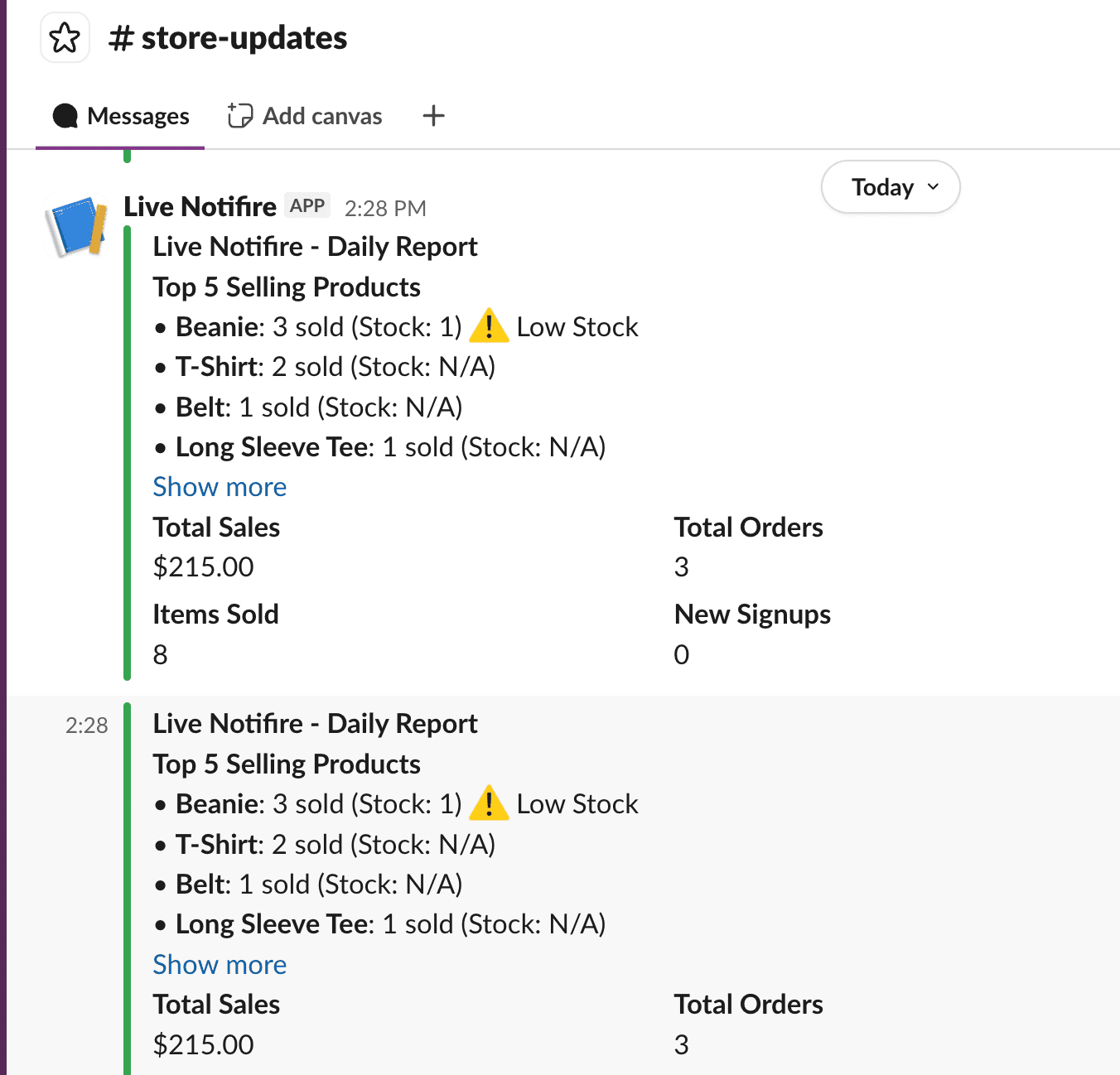
How to Set Up Scheduled Reports ?
LiveNotifire can automatically send sales reports to your email on a schedule you choose.
Available Reports
- Daily Sales Report
- Weekly Sales Report
- Monthly Sales Report
Enable Scheduled Reports
Open Any Notifications Tab
Make sure the notification settings are filled with valid credentials.
Choose Your Report Schedule
Enable the reports you want to receive:
- Email: Daily Report
- Email: Weekly Report
- Email: Monthly Report
Save Changes
Click Save Changes to apply your settings.
Once enabled, LiveNotifire will automatically send sales reports to your email based on the selected schedule.
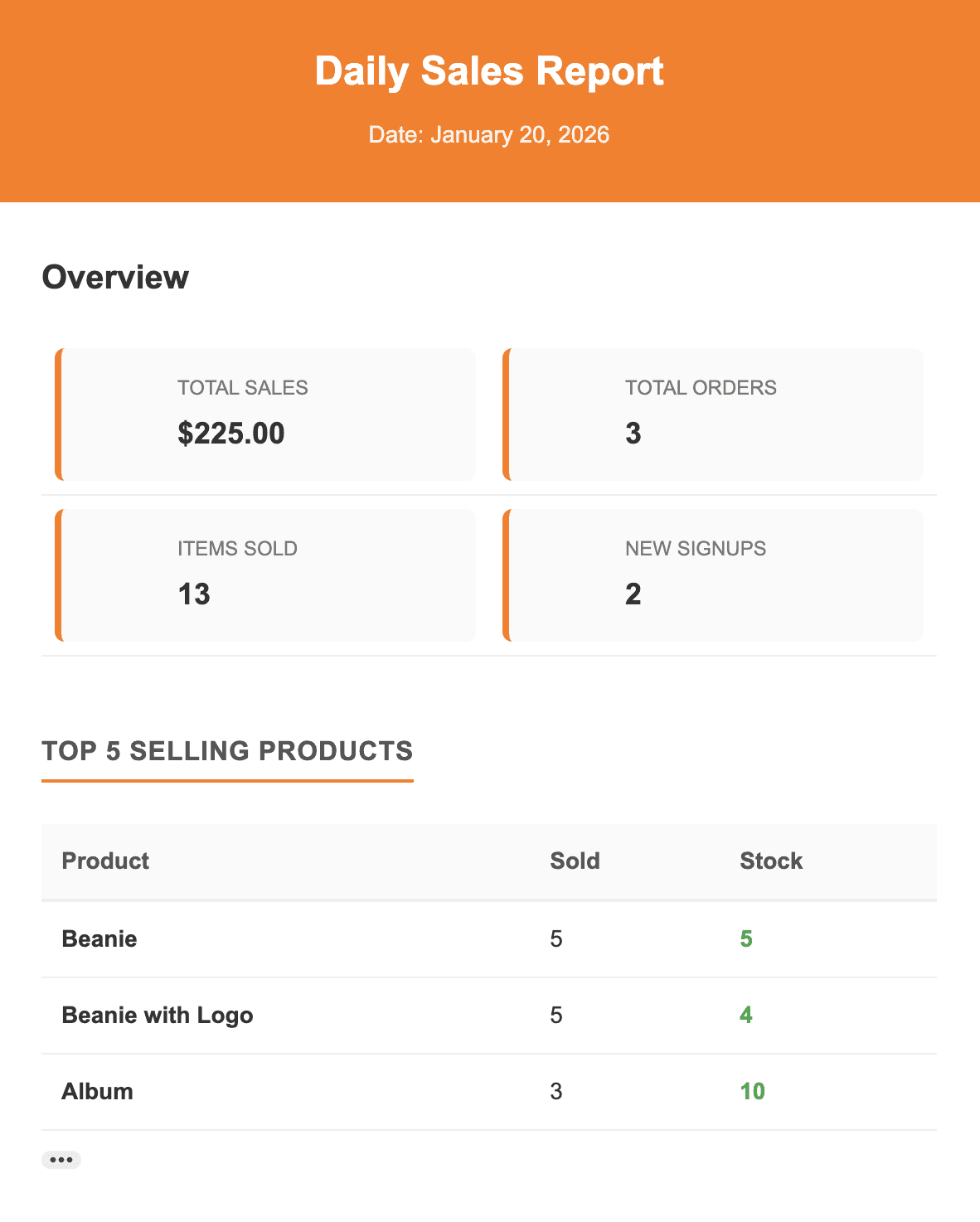
Email Scheduled Reports:
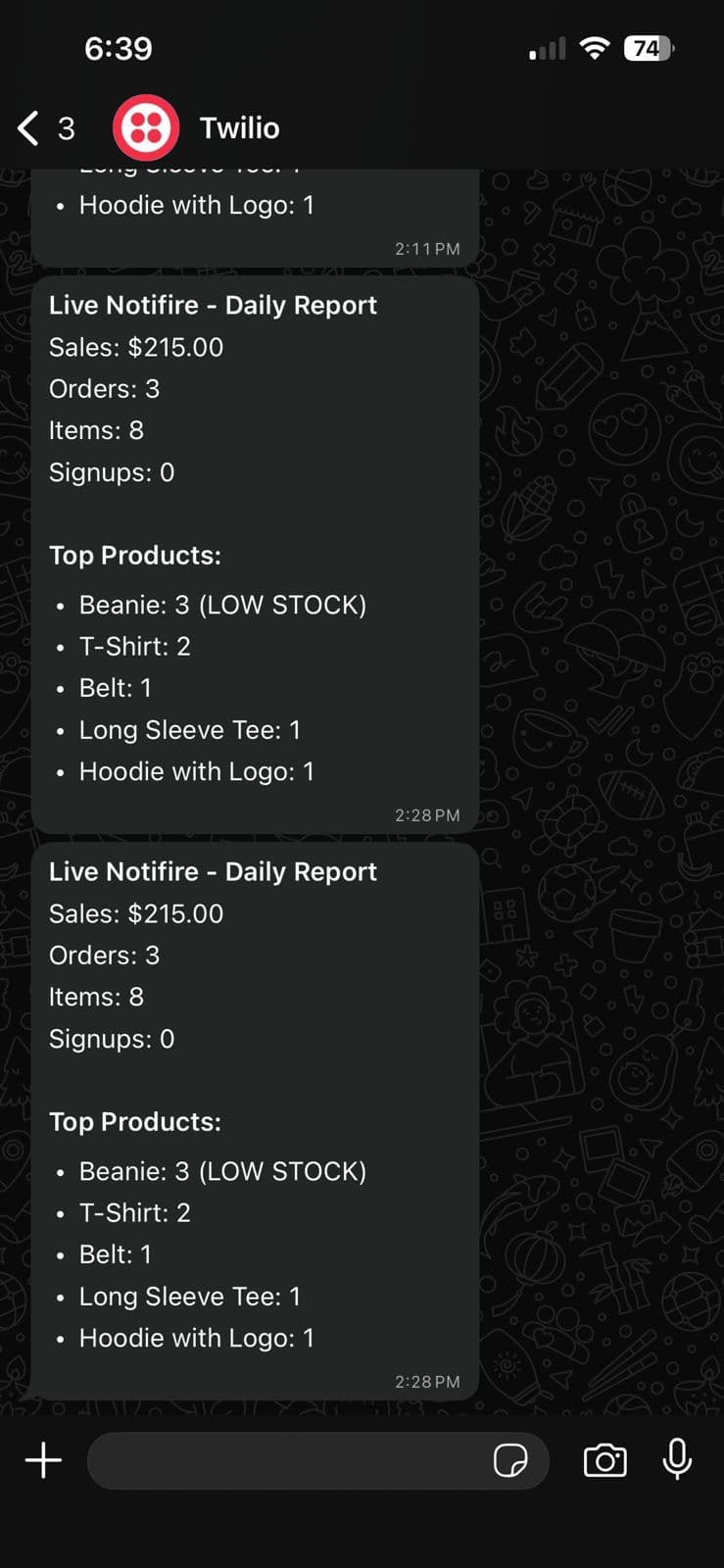
WhatsApp Scheduled Reports:
Slack Scheduled Reports: